
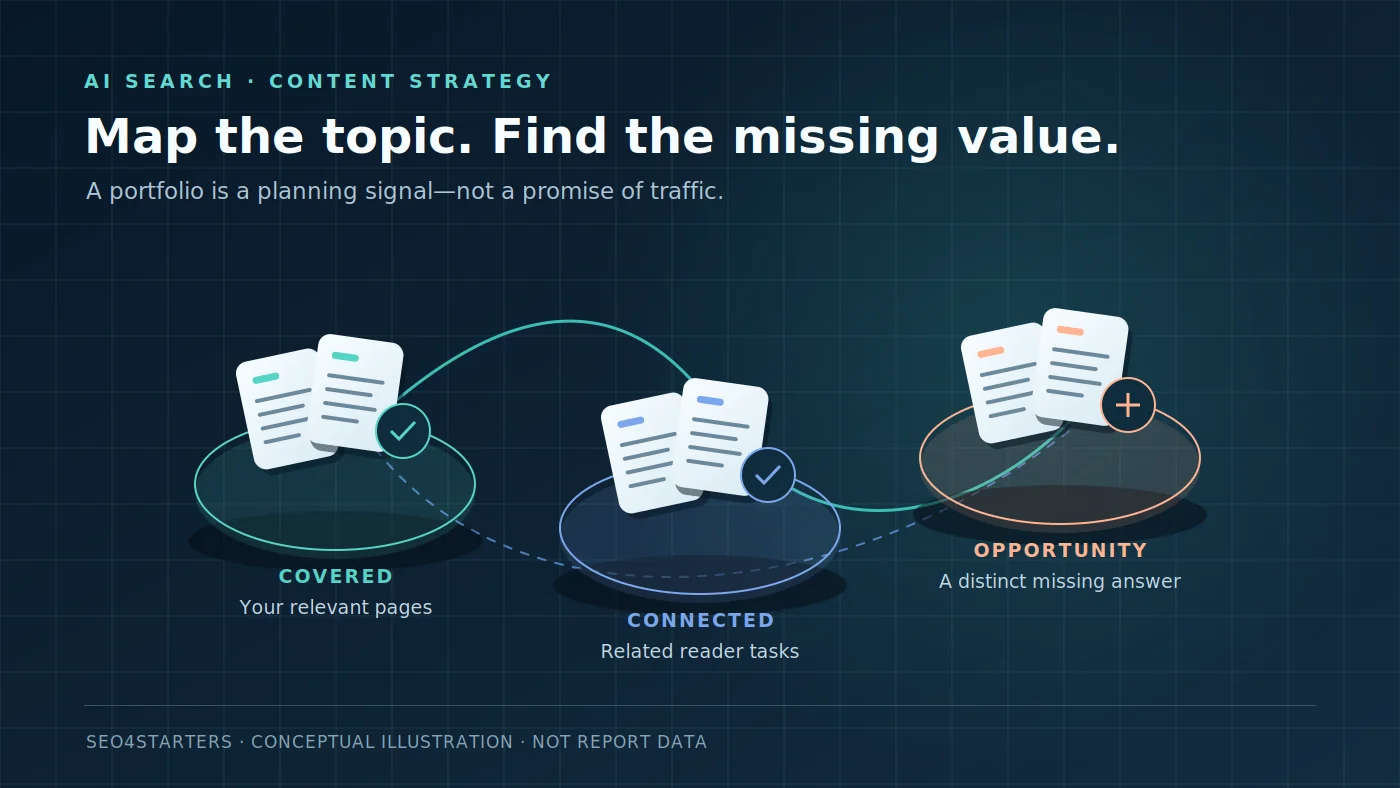
Bing Topics Portfolio is a beta view inside the AI Performance report in Bing Webmaster Tools. It groups the grounding queries where your site appears into topics, then surfaces related opportunities where other sites are cited and yours is not. Microsoft announced it on October 13, 2026. Use it to plan evidence-led content improvements—not to estimate Google search volume or promise AI citations.[1]
The practical takeaway: start with a topic where your site already has relevant expertise. Review the suggested queries, map each intent to your existing URLs, and decide whether to refresh a page, create a genuinely distinct guide or skip the suggestion. The report is a discovery input, not an instruction to publish everything it lists.
Research note · October 29, 2026: This guide is based on Microsoft’s official announcements, not a hands-on test in a verified Bing account for this website. The examples below are hypothetical editorial exercises. No citation gains, search volumes or traffic results are claimed.
What changed in Bing AI Performance?
The underlying AI Performance report describes how publisher pages are cited across Microsoft Copilot, AI-generated summaries in Bing and selected partner integrations. Its public-preview announcement distinguishes citations, average cited pages, grounding queries and page-level citation activity. These are visibility measures, not a count of visitors arriving at your website.[2]
Topics Portfolio adds a thematic planning layer: instead of reviewing isolated grounding queries, you can inspect clusters associated with your site, see approximate ecosystem context and examine opportunity queries. Microsoft says the topics and opportunities are personalized from the site’s own presence and activity in AI Search—not drawn from a generic list for every publisher.[1]
What is actually new? Microsoft introduced Intents, Topics, Citation Share and Compare in preview on June 16, 2026. The October release adds the specific Topics Portfolio and opportunity-query planning view; it is not the launch of AI Performance or the first appearance of topic grouping.[3][1]
Where to find Topics Portfolio
- Sign in to Bing Webmaster Tools and select your site.
- Open AI Performance.
- If sufficient data is available, look for Topics Portfolio beside Citations & Pages. The announcement also calls it the Topics tab in its getting-started instructions.
- Choose a one-, two- or three-month window, then open a topic to review its detail view.[1]
Record the date range before comparing anything. A larger topic total over three months is not evidence of growth over a one-month total.
Bing Topics Portfolio metrics: what each one actually means
Microsoft describes the following fields and explicitly calls the ecosystem figures approximate. Opportunity citation volumes are ranges rather than exact counts.[1] On a phone, swipe the table horizontally.
| Field | Official meaning | Do not treat it as |
|---|---|---|
| Topic Size | Approximate total citations across all sites for the topic during the selected period. | Your site’s citations, unique people, clicks or monthly keyword search volume. |
| Sites Cited | Approximate number of sites appearing for queries in that topic. | A keyword-difficulty score or proof that a topic is easy to win. |
| Queries | Approximate number of distinct grounding queries in the topic. | A complete list of user prompts or a count of potential customers. |
| Your Grounding Queries | Top queries in the topic where your site already appears. | Every query your site has ever answered. |
| Opportunity Queries | Top queries in the topic where other sites appear and yours does not; citation volumes are ranges. | A guaranteed ranking gap, required new page or traffic forecast. |
A grounding query is not necessarily the user’s original prompt. Microsoft defines grounding queries as key phrases the AI used while retrieving content referenced in generated answers, and says the underlying grounding-query data is a sample of overall citation activity.[2] Preserve that distinction in client reports: an internal retrieval phrase should not be presented as a verbatim customer question.
A six-step workflow for choosing content opportunities
1. Start where you have relevant evidence
Choose a topic that fits your publication and your real expertise. A large theme is not automatically a good target. Ask: can we contribute a tested procedure, original example, decision framework or better-supported explanation? If all you can add is a paraphrase of existing pages, move on.
The portfolio is already personalized, but that does not remove the need for editorial judgment. Microsoft warns that classification can be imperfect and that competitor-branded queries may appear among opportunities.[1]
2. Review the query’s intent, not just its wording
Write down what the reader is trying to accomplish. “Choose an audit tool,” “fix an invalid head element” and “understand citation reporting” are different jobs, even if all belong to technical SEO. Inspect relevant search results and primary documentation before choosing the format. A troubleshooting query needs diagnostics and fixes; it rarely benefits from a long generic introduction.
3. Map the intent to an existing URL first
List the pages that already address that job. Check their headings, examples, evidence and current Search Console query families. If one page can answer the query naturally, improve that page. Do not create a second URL merely because the suggested wording differs.
For example, a query about measuring AI citations belongs first with an existing AI search citation audit. This article has a different job: interpreting one newly introduced Bing view and turning it into an editorial decision. That separation is the internal-link boundary, not a reason to repeat the same guide twice.
4. Choose refresh, new page or no action
- Refresh: the existing URL targets the same reader task but lacks a useful explanation, current source or diagnostic example.
- New page: the task is genuinely distinct, deserves its own depth and can be connected to the relevant parent guide.
- No action: the suggestion is off-topic, competitor-navigational, misclassified or impossible to cover with credible evidence.
“Skip” is a legitimate outcome. Publishing unrelated pages to chase every reported gap makes an editorial calendar less coherent, not more data-driven.
5. Write a brief that specifies the missing value
A useful brief should name the primary reader task, intended URL, existing page overlap, evidence to collect and a concrete deliverable. Replace “write 1,500 words about AI visibility” with “explain each Topics Portfolio field, show a refresh-versus-new decision and provide a log that separates citations from referral sessions.”
For a related implementation task, use our AI traffic guide for GA4. Referral sessions answer a different question from whether a system cited a source. Keep the two measurements separate.
6. Keep a dated decision log
Copy the template below into your own worksheet. Record only data you can actually see, retain any displayed ranges and use “not available” for missing fields. Do not turn an opportunity range into an exact estimate.
Review date:
Site and selected date range:
Topic and displayed classification:
Grounding query / opportunity phrase:
Displayed citation range, if available:
Existing URL and overlapping intent:
Decision: refresh / new / skip
Evidence or example we can add:
Planned internal link:
Publication date and follow-up window:
Observed result and limitations:
A worked example: one topic, three different decisions
Hypothetical example: imagine that a technical SEO publisher sees an AI-search-related topic containing the following opportunities. These are invented planning examples, not actual Bing output from Seo4Starters. No citation numbers or demand estimates are attached.
| Suggested intent | Inventory check | Editorial decision |
|---|---|---|
| How to measure AI citations | A practical citation-audit guide already exists. | Refresh the existing guide if it misses an important measurement distinction. Do not launch a competing URL. |
| What Topic Size means in Bing Topics Portfolio | The broad citation guide does not explain this feature’s fields or planning workflow. | Create a focused feature guide, then link the two pages with distinct anchors. |
| A competitor’s branded login query | The user is trying to reach someone else’s product. | Skip it unless there is a separate, useful comparison intent that the site can answer honestly. |
This exercise is more valuable than ranking suggestions solely by the largest visible number. It forces every proposed page to earn its place in the site.
Why is Topics Portfolio missing or showing little data?
Microsoft says topics with insufficient site presence or insufficient ecosystem activity are not shown. Smaller sites may see a shorter list or no feature at all.[1] A missing tab is therefore not, by itself, proof of a penalty, a broken verification or zero potential demand.
Confirm that you are reviewing the intended site and report. If the view is unavailable, continue with the evidence you do have: your content inventory, conventional search performance and manually recorded AI-answer observations. Label unavailable Bing data as unavailable, not zero. This guide does not claim that a setup change can force the beta to appear.
Beta limitations matter: topic labels are AI-generated; some classifications will be wrong. Topic Size, Sites Cited and Queries are approximate; opportunity volumes are ranges; competitor-brand suggestions may be unsuitable. Microsoft provides thumbs-up and thumbs-down feedback controls on topics and opportunities.[1]
How to measure whether a content change helped
Capture a baseline before publication: selected date range, relevant topic, exact displayed fields and the URLs involved. After enough new data accumulates, repeat the review using comparable windows. Keep a note of concurrent site changes and do not attribute a small fluctuation automatically to your edit.
- Citation visibility: use the report’s supported measures, with its sampling and approximation caveats.
- Search traffic: review search-engine clicks and queries separately. Bing AI citation data is not Google Search Console traffic.
- Referral traffic: use analytics with known attribution limits. A citation can exist without a click, and a visit is not a sale.
- Reader value: check whether the page now solves the intended task with clearer steps, current evidence and a useful example.
Do not translate Topic Size into expected revenue or calculate a precise “citation share” from fields that are approximate or use incompatible denominators. If you report a share metric from a tool, preserve that tool’s own definition and scope rather than inventing one.
Quick answers
Does Topic Size show monthly search volume?
No. It is the approximate total citations across all sites for a topic during the selected period. That is not the same metric as keyword search volume.[1]
Should every Opportunity Query become an article?
No. First check relevance, intent and existing coverage. The right action may be to update an existing page or reject the suggestion.
Is this the same as GA4 AI referral tracking?
No. AI Performance describes citation visibility on supported experiences; referral analytics describes observed visits. Microsoft’s citation definitions do not establish a count of clicks or conversions.[2]
Can a small website use the feature?
Possibly, but availability depends on sufficient data. Microsoft explicitly warns that smaller sites may see few topics or no feature.[1]
Turn one opportunity into one defensible decision
Start with one relevant topic, not a bulk article order. Choose a query, inspect your existing coverage and write down why the next action is a refresh, a new guide or a deliberate skip. That is a useful content strategy even when the beta data is incomplete.
Continue with the AI citation measurement workflow or connect the task to a long-term SEO roadmap.
Sources
- Microsoft Bing: Introducing Topics Portfolio (Beta) in AI Performance (opens in a new tab) — October 13, 2026; feature access, definitions, opportunity queries and beta limitations.
- Microsoft Bing: Introducing AI Performance in Bing Webmaster Tools Public Preview (opens in a new tab) — underlying report coverage, citation definitions and sampled grounding queries.
- Microsoft Bing: New AI Visibility Insights—Intents, Topics, Citation Share and Compare (opens in a new tab) — June 16, 2026; earlier report features and the limits of before/after comparisons.