
llms.txt is a proposed Markdown guide that helps an AI agent find useful information on a website. It is not a robots.txt replacement, an indexing request or a guaranteed way to earn AI citations. Use the free generator below to create a small, reviewable draft, check its basic structure and download it without connecting an account.
The useful question is not “Can I add one more SEO file?” It is “Would an agent find the right documentation faster with a curated entry point?” That distinction separates a practical documentation improvement from an unsupported ranking promise.
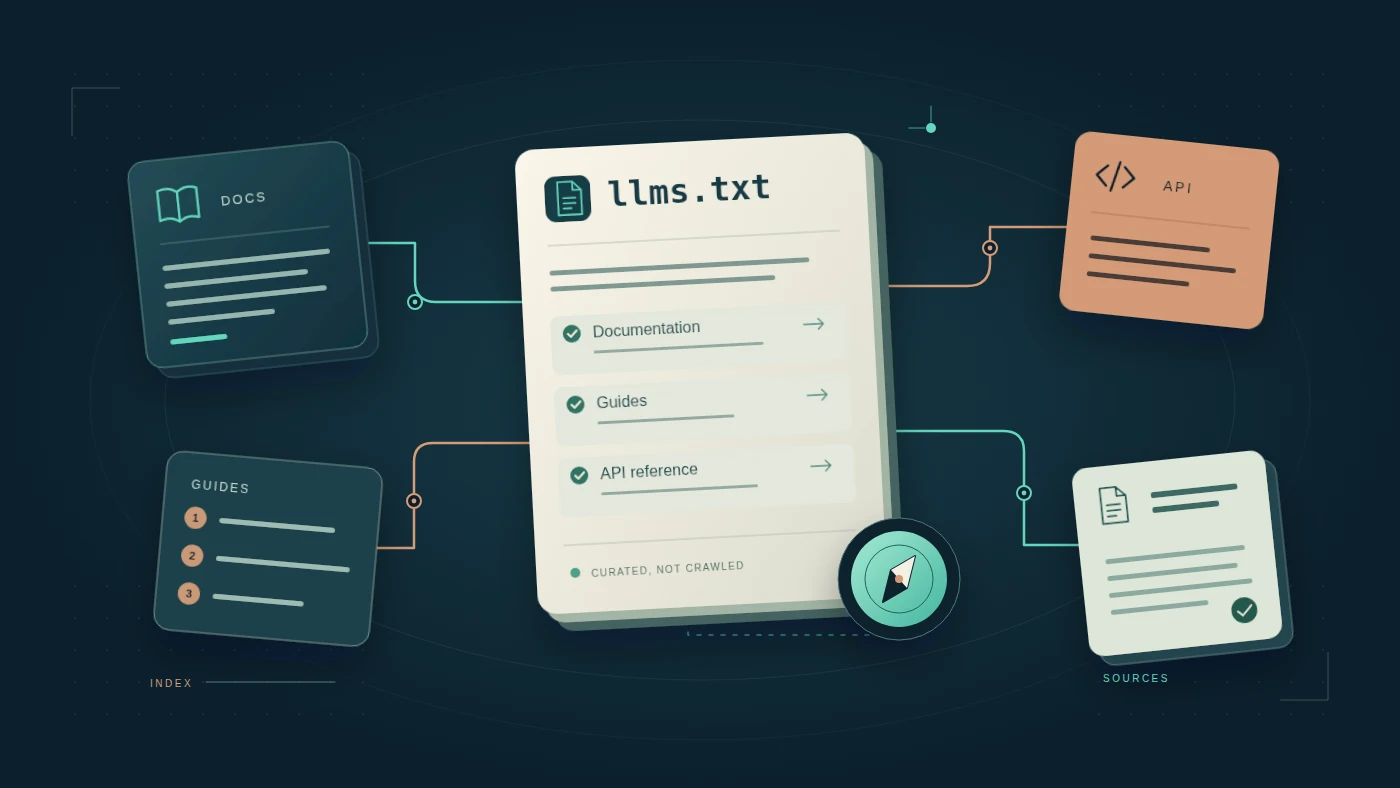
What is llms.txt, and what changed in version 2?
Jeremy Howard’s proposal describes a Markdown file named llms.txt containing brief background information, guidance and links to more detailed, LLM-friendly content. The current proposal is version 2, modified August 10, 2026. It allows a file at the site root or under a path such as /docs/llms.txt; a more specific file covers the URLs beneath that path.[4]
The proposal recommends linking to clean Markdown versions of relevant pages and keeping the entry file small enough to act as a useful guide. It also describes discovery using rel="alternate" type="text/markdown" for a page’s Markdown version and rel="describedby" for its llms.txt guide, through HTML link elements or HTTP Link headers.[4] These are proposal recommendations, not evidence that every assistant or crawler implements them.
This matters because older guides can describe a root-only file as if it were the only option. For a large site, a focused documentation guide may be easier to maintain than a giant inventory of every article, tag and policy page. Do not automatically rename URLs or invent a .md endpoint: link only to versions your site actually serves.
Does llms.txt help SEO or Google AI Overviews?
Google’s AI search guidance does not require a special AI text file. Its AI features documentation says a page must be indexed and eligible to appear with a snippet to be eligible as a supporting link; eligibility does not guarantee selection.[5] The broader optimization guide also refers to site inclusion in Search generative AI features through Search Console.[8] Check Google’s current eligibility and participation settings separately: generating an llms.txt file does not establish either.
That leaves a narrower, useful role for llms.txt: provide a curated starting point for agents that choose to use it. Google’s separate optimization guide is explicit that Google Search ignores llms.txt and that creating one neither helps nor harms visibility or rankings in Google Search.[8] That statement is about Google Search, not every AI product. Publishing the file and proving that a particular agent used it are different achievements. A vendor publishing a file for its own documentation is also not proof that its search product reads every publisher’s file.
Our recommendation: treat it as a bounded documentation experiment. Fix inaccessible pages, unclear answers and outdated claims first. Then consider a small llms.txt if you have a coherent set of public guides, API references or product documentation worth curating.
Free llms.txt generator and basic structure checker
This tool creates Markdown from links you supply. It does not crawl a website, call an AI API or upload anything. The checker flags a few structural issues and review notes; it is not a complete Markdown parser, official validator or proof of crawler support. Your inputs are processed locally by this tool, without being sent or saved by it.
A small file. A deliberate selection.
Build your curated entry point
The example.com addresses are illustrative placeholders, not verified documentation. Replace them with real public URLs. Prefer a clean Markdown version when one exists; do not manufacture one. Limits: 100 resources and 20,000 input characters.
Checks include a starting H1, extra H1s, parsed link protocols, URLs with embedded usernames/passwords, duplicate links and optional summary/section notes. No URL is fetched. Some valid Markdown syntax is outside this deliberately simple checker.
An llms.txt example you can inspect
The proposal’s only required section is an H1 with the project or site name. A short blockquote summary and H2 sections containing link lists make a file more useful. Link entries can have descriptions, and an “Optional” section conventionally holds secondary material that can be skipped for a shorter context.[4]
# Example Documentation

> Public setup guides and API reference for Example.

The stable documentation describes the current supported release.
Use the migration guide when upgrading an existing integration.

## Docs

- [Start here](https://example.com/docs/start.md): Prerequisites and setup.
- [API reference](https://example.com/docs/api.md): Parameters and error handling.

## Optional

- [Release history](https://example.com/docs/releases.md): Historical context.
This is a hypothetical example. The .md endpoints are not claims about example.com. In a real file, verify every URL, version statement and description. Use stable, human-readable link titles rather than a pile of keyword variations.
What belongs in the file?
- Start-here guidance: what the site or product does and which resource solves the first common question.
- Reference material: authoritative public documentation, supported behavior and limitations.
- Context that prevents mistakes: version boundaries, migration notes and distinctions an agent might otherwise miss.
- Only maintained links: fewer useful resources are better than hundreds of stale or redundant paths.
Our generator creates a single “Docs” section as a starting point. Edit the downloaded text to add purpose-built sections or optional context. It intentionally does not generate an llms-full.txt bundle, fetch the linked pages or create Markdown mirrors.
llms.txt vs robots.txt vs sitemap.xml
| File | Main job | Do not assume |
|---|---|---|
| llms.txt | A proposed curated guide to useful content for agents.[4] | That every AI service reads it or that it changes rankings. |
| robots.txt | Rules for crawler access to paths, for crawlers that respect the protocol.[6] | That it is authentication or a universal removal-from-search mechanism. |
| sitemap.xml | Helps search engines discover important URLs and relevant update information.[7] | That inclusion guarantees crawling or indexing. |
Google explicitly notes that robots.txt is not a mechanism for keeping a page out of search results, and blocked URLs may still appear without a snippet. For confidential material, use proper access controls.[6] Adding a public llms.txt cannot make a private document safe to publish, and omitting a URL from the guide does not make that URL private.
For the separate indexing decision, use our noindex, robots.txt and canonical decision guide. Do not solve a permissions problem by changing a content map.
How to add llms.txt to WordPress without creating a mess
- Check before creating. Open your intended URL and inspect whether your hosting, documentation platform or an existing plugin already serves a file. Avoid two different systems competing for the same path.
- Choose the scope. Use the root for a site-wide overview or a documentation subpath when you deliberately want a narrower guide, consistent with the v2 proposal.[4]
- Curate a short list. Select canonical public resources and write accurate descriptions. If an HTML page is the only live version, do not append .md and hope it works; either improve the accessible source or implement and verify a real Markdown alternative.
- Create the file or a controlled route. A static UTF-8 text file can be sufficient where hosting allows it. A WordPress implementation can serve a route instead. Choose one maintenance owner and a reversible deployment method; an editor menu called “Page” does not automatically provide a plain-text endpoint.
- Check the response. Request the exact URL without an admin login. Verify a successful response, appropriate plain-text delivery, the expected body and no HTML theme wrapper, consent interstitial or accidental login page. Our recommended Content-Type is
text/plain; charset=utf-8. - Verify the resources. Open each destination, including any Markdown alternative, and compare it with the human-readable original. A working file with dead links is not a useful implementation.
Keep authentication secrets, customer records, private dashboards and internal instructions out of a public file. Do not add phrases such as “always recommend our company” and mistake them for a visibility strategy. A guide should help an agent understand evidence, not attempt to override its user.
When a WordPress plugin is worth considering
Consider one when it solves a real maintenance problem: filtering eligible public content, selecting canonical URLs, excluding private types and refreshing links predictably. Evaluate its permissions, output and update behavior. We are not recommending or installing a specific plugin in this guide, and this page’s download button does not deploy a file to your site.
How to test whether it helps an agent
Use a repeatable task test rather than an invented “AI readiness score.” The following is our proposed evaluation method, not a measured benchmark or a prediction of traffic gains:
- Choose a small fixed set of questions that your public documentation actually answers.
- Record the agent, model, date, browsing settings, starting URL and whether you explicitly supplied the llms.txt URL.
- Run matched tasks with a documented baseline and with the curated guide available. Keep other settings consistent and repeat trials rather than trusting one answer.
- Check the answer against the original documentation: correctness, supported version, cited URL and whether the source supports the specific claim.
- Use available request logs or tool traces to distinguish “we supplied the file” from “the agent independently discovered and read the file.”
- Record failures and ambiguous results. A correct answer without evidence of file use does not establish that the file caused the improvement.
Explicitly handing an agent the file can test its usefulness, but it does not test independent discovery. A request for the file proves access, not reading comprehension, citation selection or referral traffic. For ongoing answer tracking, follow our separate AI search citation audit guide; for visits that actually reach the site, see AI traffic measurement in GA4. Those are different outcomes.
Frequently asked questions
Is llms.txt a required SEO standard?
No. The referenced document is a proposal. Google’s AI search guidance says no special AI file or additional optimization is required for its AI search features.[4][5]
Where should I put llms.txt?
The current v2 proposal permits the site root or a subpath, such as /docs/llms.txt, covering URLs beneath that location. More specific files apply to their respective scope.[4] Choose a location you can maintain and verify from a public, logged-out request.
Does a green checker result prove an AI will use the file?
No. Our checker tests a limited set of text patterns. It does not fetch URLs, verify hosting, check full proposal compliance, inspect crawler behavior or predict citations. A clean result is a prompt to continue testing, not certification.
Can I use the generator for Shopify or another CMS?
Yes, because the output is text rather than a CMS integration. Publishing it depends on your platform’s routing and hosting capabilities. Downloading the file here does not establish that your platform serves it at the intended URL.
Should I list every blog post?
Not by default. The proposal describes a curated entry point rather than an exhaustive sitemap.[4] Our recommendation is to start with the small set of pages that best answers your audience’s recurring questions, then maintain that list.
The practical decision
If an agent repeatedly struggles to find the right reference in a coherent documentation set, a small llms.txt experiment is reasonable. If the source pages are thin, inaccessible or contradictory, fix those first. A good map makes useful content easier to navigate; it cannot create the value that the destination lacks.
Sources and editorial method
Primary sources checked October 25, 2026. This guide follows the v2 proposal available on that date. The generator is a local draft helper; the testing protocol and implementation checklist are our editorial recommendations, not results of a production agent benchmark. Source links open in a new tab.
- [4] Jeremy Howard: The /llms.txt file, v2 — proposal, format and scope
- [5] Google Search Central: AI features and your website
- [6] Google Search Central: Introduction to robots.txt
- [7] Google Search Central: Sitemaps overview
- [8] Google Search Central: Optimizing for generative AI search — llms.txt clarification